
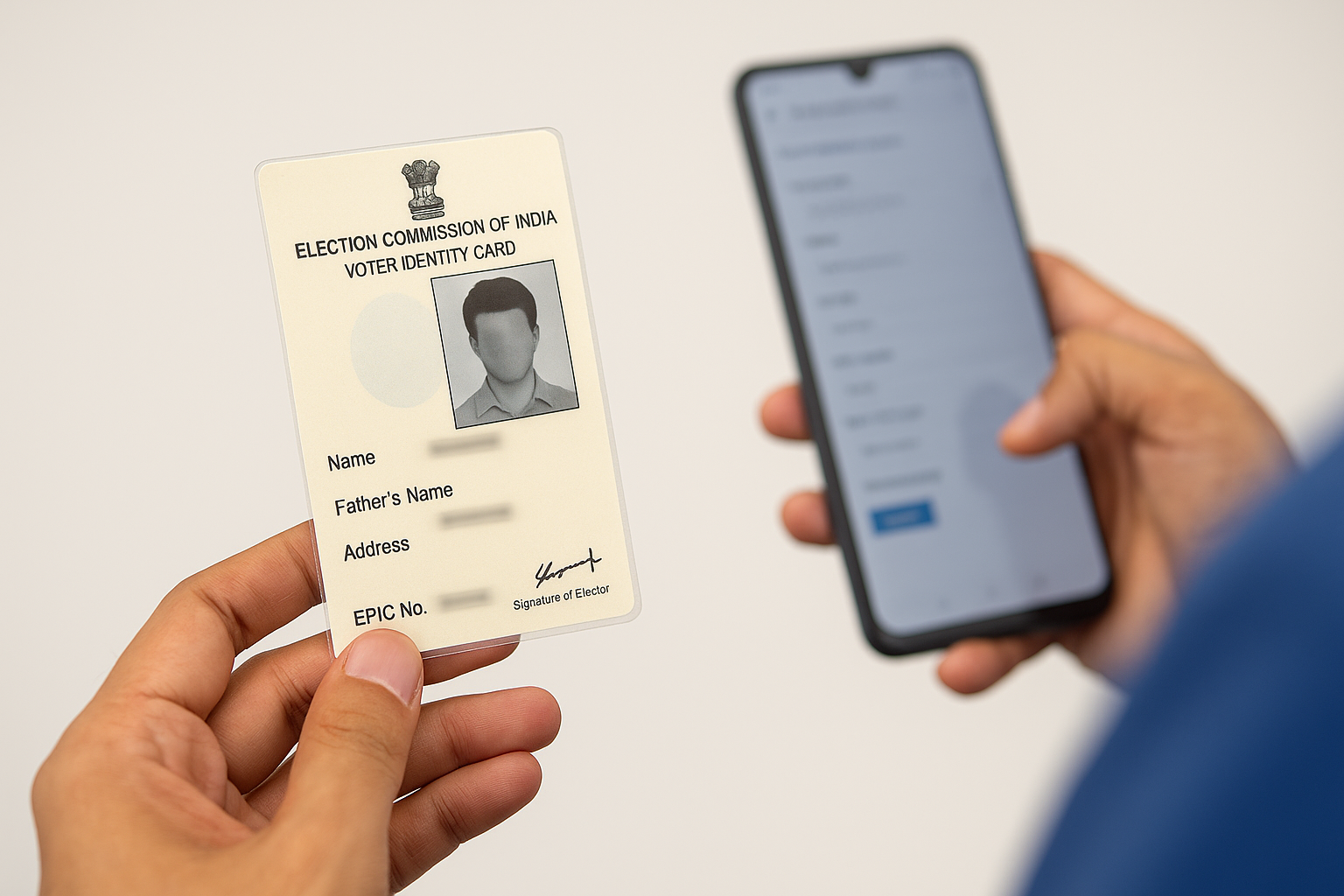
Voter ID Status Check: How to Track Your Voter ID Card Online & Offline (Complete Guide 2025)
A Voter ID Card—also known as the Elector’s Photo Identity Card (EPIC)—is one of the most important identity documents for every Indian citizen. It not only proves who you are but also confirms your right to vote in elections. If you’ve recently applied for a new Voter ID, updated your address, requested corrections, or applied for a duplicate card, tracking your Voter ID Status is the first thing you should do.
This article explains how to check voter ID status online, ways to track it using reference ID or EPIC number, how to find your name in the electoral roll, and how to download your digital voter ID (e-EPIC). All steps are explained in a simple and user-friendly manner.
⭐ Key Highlights
- Check your Voter ID status online using your reference number on NVSP.
- Track applications for Form 6, Form 8, or duplicate EPIC.
- Verify whether your name is included in the electoral roll through EPIC number, mobile number, or personal details.
- Download your digital voter ID (e-EPIC) once your application is approved.
- Offline status checks available via ERO or BLO.
How to Check Voter ID Card Status Online (NVSP Portal)?
The National Voters’ Services Portal (NVSP) is the easiest way to track your Voter ID application.
Official Website: https://www.nvsp.in
Step-by-Step Process
- Visit the official NVSP portal.
- Click the Login button.
- Enter your mobile number, password, and captcha → Request OTP.
- Enter OTP → Verify & Login.
- Select Track Application Status.
- Enter your reference number and select your State.
- Click Submit to view your status.
💡 Your reference number is printed on the acknowledgment slip.
How to Check Voter ID Status on the Voter Helpline App
The Voter Helpline App by the ECI is the official mobile platform.
Official Download Links:
Android: Google Play Store
iOS: Apple App Store
Steps to Track Your Status
- Install the Voter Helpline App.
- Open → Select language → Accept terms.
- Tap Menu → Status of Application.
- Login using mobile number & password.
- Enter reference number & State.
- Tap Track Status.
How to Check Voter ID Status Offline
Steps
- Visit your nearest Electoral Registration Office (ERO).
- Provide name, address, and reference number.
- The officer will check your application status.
How to Check Your Name in the Voter List (Electoral Roll)
Method 1: Search on ECI Website
Official Link: https://electoralsearch.eci.gov.in
- Visit the ECI Electoral Search page.
- Enter EPIC number → Select State → Submit.
Method 2: Search by Personal Details
- Name
- Father/relative’s name
- Date of birth
- District & Constituency
- Registered mobile number
Method 3: Search by PDF Electoral Roll
Download PDF Roll from: NVSP Portal
- Select State → District → Constituency.
- Enter captcha → Download PDF.
- Search your name manually.
Details Available on Your Voter ID Card
- EPIC Number
- Photograph
- Hologram
- Full name
- Father’s name
- Gender
- Date of birth
- Address
- Signature of ERO
How to Apply for a New Voter ID Card Online (Form 6)
Form 6 Link (NVSP): https://www.nvsp.in
Steps to Apply
- Visit NVSP → Sign-Up.
- Enter mobile number & email.
- Create password → Verify OTP.
- Login → Select Form 6.
- Fill all details & upload documents.
- Submit the form.
How to Update Address in Voter ID Online (Form 8)
Form 8 Link (NVSP): https://www.nvsp.in
- Login to NVSP.
- Select Shifting/Correction → Form 8.
- Enter Aadhaar, mobile, new address.
- Upload documents → Submit.
How to Download Digital Voter ID (e-EPIC)
Official Link: Download e-EPIC
- Login to NVSP.
- Click E-EPIC Download.
- Enter EPIC or Reference Number.
- Verify OTP.
- Download your digital EPIC.
How to Apply for Duplicate Voter ID
Download Duplicate EPIC Form: ECI Forms Page
- Download Form EPIC-002.
- Fill in details.
- Submit at ERO office with documents.
- Duplicate Voter ID will be issued after approval.
Final Word
Tracking your Voter ID status is essential to ensure your details are correct. With official tools like the NVSP portal, ECI website, and the Voter Helpline App, checking status, updating details, or downloading e-EPIC is now simple and quick. Stay updated and ensure your voter information is correct so you can vote without any issues.